
Margin-Aware Discounts
Margin-Aware WooCommerce Discounts
Ezhance helps merchants plan discounts with margin visibility. The free plugin adds margin visibility and Offer Safety Score. Pro adds margin range targeting so campaigns can include or exclude products based on configured gross margin levels.
Plain Definition
What Are Margin-Aware WooCommerce Discounts?
Margin-aware WooCommerce discounts use product margin context before and during campaign planning. Instead of applying the same discount to every product, merchants can review which products have enough margin to support the offer and which products should be excluded or given a smaller incentive.
Free vs Pro
Ezhance Free includes margin visibility and Offer Safety Score. Ezhance Pro adds margin range targeting so merchants can include or exclude products based on stored gross margin thresholds. Margin-aware controls depend on the merchant entering or maintaining product margin data.
Review product margin before discounting.
Use Offer Safety Score to flag risky discount depth and stacking behavior.
Use Pro margin range targeting for more controlled campaigns.
Best Fit
When Merchants Should Use This
Use it before running broad product discounts, bulk pricing tiers, BOGO, or cart-level promotions.
Use it when different products have very different margin profiles.
Use it when agencies or store teams need a repeatable review step before campaign approval.
Use Carefully
When It May Not Be the Right Offer
Do not rely on margin-aware targeting if product margin data is missing or outdated.
Do not use the same discount depth across high-margin and low-margin products without review.
Do not present margin-aware checks as a guarantee; they are planning and risk-review tools.
Visual Proof
What the Merchant or Customer Can See
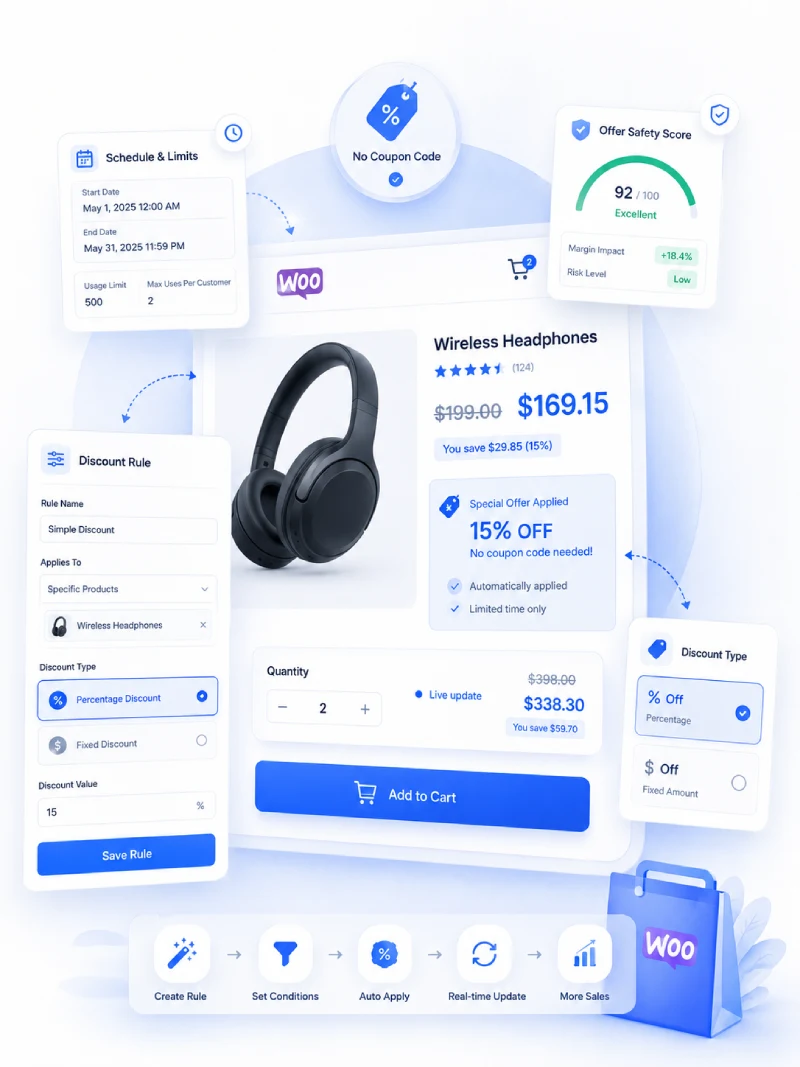
The same discount can behave very differently depending on product price and margin. Ezhance helps merchants review that context before launch.
Examples
Real WooCommerce Promotion Use Cases
These examples show how the page topic connects to everyday ecommerce promotion work, not just plugin settings.
High-margin inclusion
Include products above 45% gross margin in a stronger seasonal discount.
Low-margin exclusion
Exclude products below 20% gross margin from a broad sale.
Margin-safe bulk pricing
Check the deepest quantity tier before publishing a bulk pricing campaign.
Planning Notes
How to Evaluate This Before Launch
Before publishing a WooCommerce promotion, review the customer-facing message, the products included, the products excluded, the qualification rule, and the expected discount cost. A good campaign should be easy for shoppers to understand and easy for the store owner to review after orders come in.
Ezhance is designed for that workflow: create the offer, show it in the right storefront location, control who or what qualifies, track promotion usage in WooCommerce orders, and review Offer Safety Score before launch. The score is decision support only, so merchants should still test promotions with the active theme, tax, shipping, payment, and checkout setup.
Core Ezhance Coverage
FAQ