
Stock-Aware Promotions
Stock-Aware WooCommerce Promotions
Ezhance Pro supports stock-aware targeting for WooCommerce promotions. Merchants can target products by inventory level to move slow stock, protect scarce products, or run controlled clearance campaigns.
Plain Definition
What Are Stock-Aware WooCommerce Promotions?
Stock-aware WooCommerce promotions use inventory levels as part of campaign targeting. Instead of manually selecting every product for clearance or excluding scarce products by hand, merchants can target products above, below, or within stock thresholds.
Free vs Pro
Stock range targeting is an Ezhance Pro feature. Ezhance Free includes simple product discounts and bulk pricing with product-level targeting. Pro adds stock-aware rules, category/tag/attribute targeting, margin range targeting, and advanced qualification rules.
Target products above, below, or within selected stock levels.
Combine stock targeting with simple discounts, bulk pricing, BOGO, or cart campaigns.
Use Offer Safety Score before broad clearance promotions go live.
Best Fit
When Merchants Should Use This
Use it to move overstock without discounting healthy inventory.
Use it to protect low-stock products from broad seasonal or category campaigns.
Use it for controlled clearance campaigns where inventory position matters as much as product category.
Use Carefully
When It May Not Be the Right Offer
Do not use stock targeting unless WooCommerce stock management is reliable for the products involved.
Do not discount scarce products only because they match a broad category rule.
Do not use inventory level alone; pair it with margin, product demand, and campaign goals.
Visual Proof
What the Merchant or Customer Can See
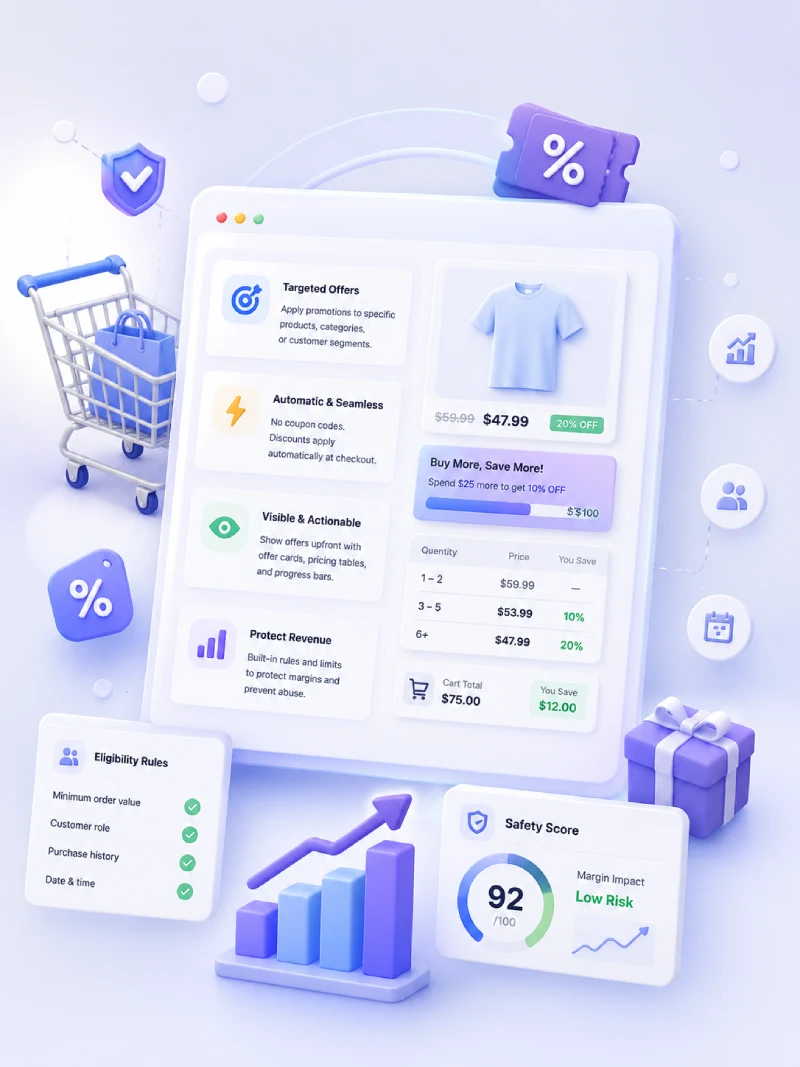
Stock-aware campaigns help merchants decide which products should be pushed and which should be protected.
Examples
Real WooCommerce Promotion Use Cases
These examples show how the page topic connects to everyday ecommerce promotion work, not just plugin settings.
Overstock clearance
Run a bulk discount only on products with stock above 50 units.
Low-stock protection
Exclude products with fewer than 5 units from a holiday sale.
Seasonal inventory push
Combine stock range targeting with product tags such as summer, clearance, or last season.
Planning Notes
How to Evaluate This Before Launch
Before publishing a WooCommerce promotion, review the customer-facing message, the products included, the products excluded, the qualification rule, and the expected discount cost. A good campaign should be easy for shoppers to understand and easy for the store owner to review after orders come in.
Ezhance is designed for that workflow: create the offer, show it in the right storefront location, control who or what qualifies, track promotion usage in WooCommerce orders, and review Offer Safety Score before launch. The score is decision support only, so merchants should still test promotions with the active theme, tax, shipping, payment, and checkout setup.
Core Ezhance Coverage
FAQ