
Feature
ProWooCommerce Cart Discount
Discount the entire WooCommerce cart with percentage, fixed amount, or free shipping-style offers. The cart progress bar turns the threshold into a visible goal, showing customers how close they are to qualifying and why adding one more item matters.
Increase Average Order Value With Cart-Level Promotions
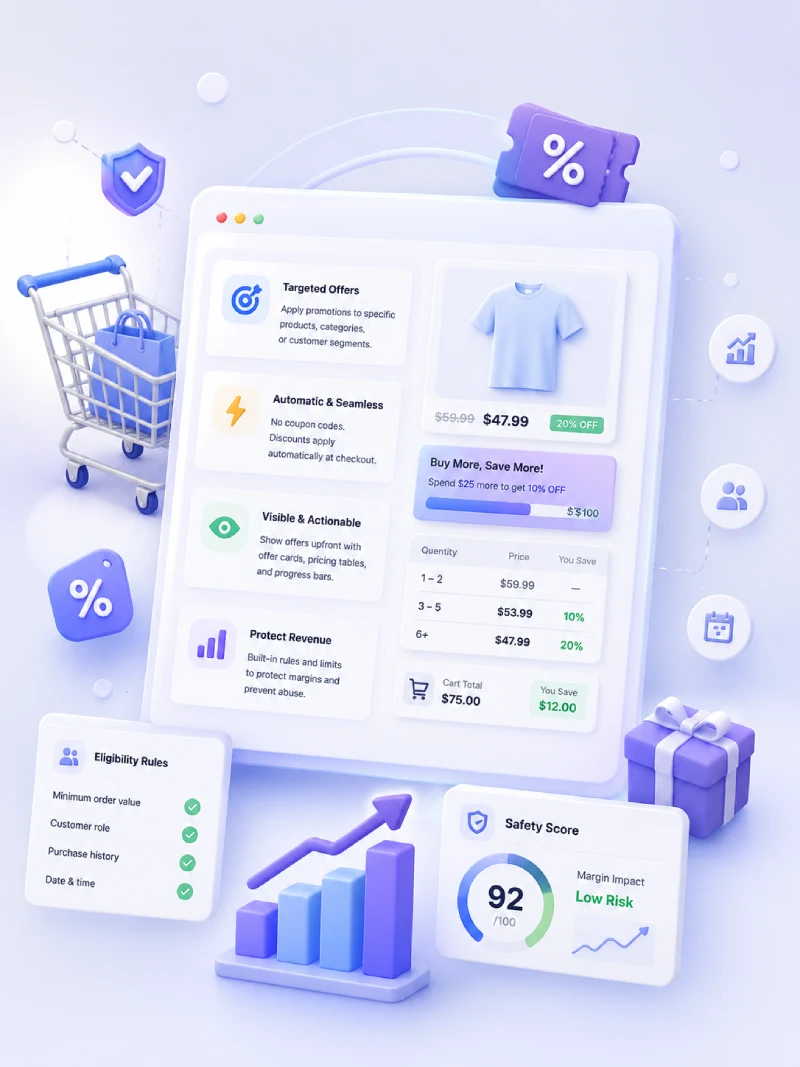
Cart Discount applies automatically when the cart meets the qualifying threshold — no coupon code needed. The cart progress bar makes the incentive visible before checkout, which is the difference between a hidden discount and a promotion that can influence basket size.
Quick Answers
What Merchants Should Know
Short answers to help merchants understand availability, use cases, customer experience, and limitations.
Is Cart Discount Free or Pro?
Cart Discount is an Ezhance Pro feature. Ezhance Free covers Simple Product Discount and Bulk / Tiered Product Discount.
What problem does Cart Discount solve?
It lets merchants apply cart-level incentives such as spend thresholds, fixed cart rewards, percentage cart rewards, and free shipping-style promotions.
When should a merchant use Cart Discount?
Use it when the goal is increasing average order value by giving shoppers a clear reason to add more before checkout.
What does the customer see?
Customers can see a cart banner or progress bar showing how close they are to unlocking the cart discount.
Does Cart Discount guarantee profit?
No. Cart Discount can influence basket size, but broad cart discounts should be reviewed for margin and stacking risk.
Cart Goal Examples
Use the Progress Bar to Give Customers a Clear Next Step
A cart discount is easier to act on when the customer sees the gap between the current cart and the reward.
Spend threshold
Spend $100 and get $15 off. A shopper at $82 sees that adding $18 unlocks the reward.
Free shipping-style goal
Use a free shipping promotion to show how close the customer is to qualifying for shipping savings.
Quantity goal
Use cart item count conditions to encourage larger baskets when the offer depends on item quantity.
FAQ