

Coupon codes have been a standard ecommerce marketing tool for years. However, many WooCommerce store owners are discovering that coupon-based promotions often create unnecessary friction during the buying process.
Customers forget coupon codes. They mistype them. Some abandon their carts when a promotion doesn’t work as expected.
That’s why more stores are switching to WooCommerce discounts without coupon codes.
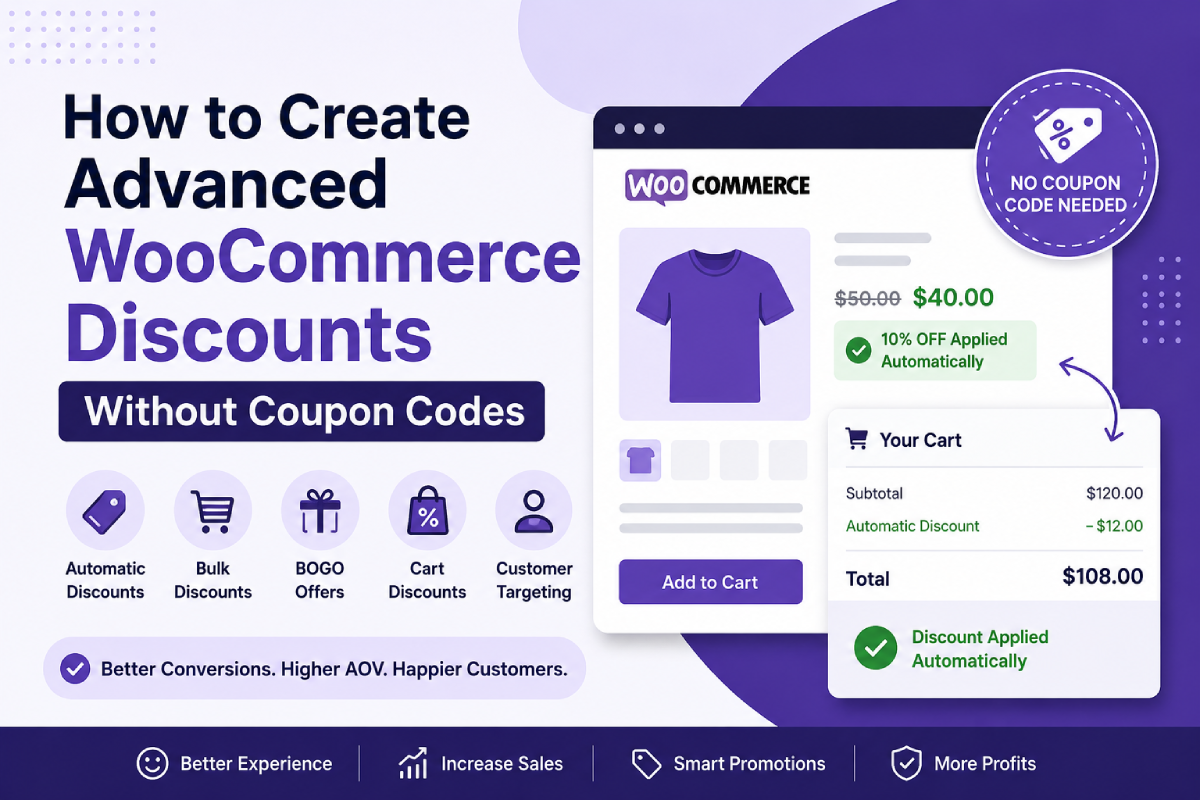
Automatic discounts allow promotions to be applied instantly when customers meet specific conditions. There is no need to enter a coupon code, and customers receive their discounts automatically.
In this guide, you’ll learn how automatic WooCommerce discounts work, the different types of discount campaigns you can create, and how to use them to increase conversions and average order value.
Why Use WooCommerce Discounts Without Coupon Codes?
Traditional coupon promotions require customers to take additional steps before receiving a discount.
The customer must:
- Find the coupon code
- Copy the coupon code
- Enter it during checkout
- Verify that the discount has been applied
Every additional step increases the chance of losing a sale.
Automatic WooCommerce discounts remove these barriers by applying promotions automatically when customers qualify.
Benefits include:
- Higher conversion rates
- Better shopping experience
- Reduced cart abandonment
- Increased average order value
- Easier promotion management
For many stores, removing coupon codes results in a smoother checkout experience and more completed purchases.
Types of WooCommerce Automatic Discounts
Product Discounts
Product discounts automatically reduce the price of selected products.
Examples include:
- 10% off selected products
- $20 off specific items
- 15% off products in a category
- Exclusive discounts for VIP customers
Customers immediately see the discounted price without entering a coupon code.
Product discounts work particularly well for seasonal sales, product launches, and category promotions.
Bulk Discounts
Bulk discounts reward customers for purchasing larger quantities.
For example:
| Quantity | Discount |
|---|---|
| Buy 2+ | 10% Off |
| Buy 5+ | 20% Off |
| Buy 10+ | 30% Off |
Bulk discounts encourage customers to increase their order size to unlock better savings.
This is one of the most effective WooCommerce discount strategies for increasing average order value.
Buy One Get One (BOGO) Offers
BOGO promotions are among the highest-converting discount campaigns in ecommerce.
Examples include:
- Buy 1 Get 1 Free
- Buy 2 Get 1 Free
- Buy 2 Get 50% Off Another
- Buy Product X, Get Product Y Free
These promotions encourage customers to purchase more products while maintaining healthy profit margins.
BOGO offers are especially effective for consumable products, accessories, and complementary items.
Cart Discounts
Cart discounts apply when a customer reaches a spending goal.
Examples include:
- Spend $100 and get $10 off
- Spend $150 and receive free shipping
- Spend $250 and get 15% off your order
Cart discounts motivate customers to add additional products before checkout.
Instead of offering discounts to everyone, you reward customers who reach specific cart values.
Customer-Specific Discounts
Not every customer should receive the same offer.
Advanced WooCommerce discount rules allow you to target promotions based on customer data.
Examples include:
- New customers
- Returning customers
- VIP customers
- Wholesale customers
- Specific customer roles
Customer-specific discounts help increase loyalty while protecting profit margins.
Create Smarter Discounts Using Conditions
One of the biggest advantages of automatic WooCommerce discounts is the ability to control when promotions are applied.
Instead of showing every promotion to every customer, you can use eligibility conditions.
Cart Value Conditions
Apply discounts only when customers reach a spending threshold.
Examples:
- Cart subtotal greater than $100
- Cart subtotal greater than $250
- Cart subtotal between $100 and $300
These promotions encourage customers to spend more before checking out.
Purchase History Conditions
Reward loyal customers based on previous orders.
Examples:
- Customer has ordered before
- Customer has spent more than $500
- Customer purchased specific products previously
Purchase history discounts are excellent for customer retention campaigns.
Location-Based Conditions
Run promotions only for customers in selected regions.
Examples:
- United States customers
- Specific states or provinces
- Selected shipping zones
This helps create targeted campaigns without affecting your entire customer base.
Time-Based Conditions
Schedule promotions automatically.
Examples:
- Weekend sales
- Holiday promotions
- Flash sales
- Limited-time offers
Time-based promotions create urgency and encourage faster purchasing decisions.
Increase Average Order Value with Automatic Discounts
One of the biggest advantages of WooCommerce discounts without coupon codes is their ability to increase average order value.
Instead of offering a blanket discount to everyone, you can reward customers for spending more.
For example:
- Spend $50 → Free Shipping
- Spend $100 → 10% Off
- Spend $200 → 15% Off
This approach motivates customers to add more products to their carts to unlock better rewards.
The result is often a larger average order value and higher overall revenue.
Display Promotions Before Customers Qualify
Many stores make the mistake of hiding promotions until customers qualify.
A better strategy is to display available offers directly on product pages and in the cart.
Examples:
- Buy 2 and Save 10%
- Spend $100 for Free Shipping
- Buy 3 More to Unlock a Free Gift
Visible promotions help customers understand the value available to them and encourage larger purchases.
Customers are far more likely to increase their order size when they know exactly what reward they can unlock.
Best Practices for WooCommerce Automatic Discounts
Keep Promotions Easy to Understand
Complicated discount rules reduce conversions.
Focus on simple offers such as:
- Buy More, Save More
- Spend More, Save More
- Buy One Get One
Reward Higher Spending
Structure promotions to encourage larger orders.
Examples:
- Spend $75 → Free Shipping
- Spend $150 → 10% Off
- Spend $250 → 15% Off
Use Urgency
Time-limited offers often perform better than permanent discounts.
Examples include:
- Weekend promotions
- Flash sales
- Holiday campaigns
- Limited-time discounts
Target Specific Customer Segments
Avoid giving discounts to everyone.
Use customer conditions to reward:
- New customers
- Returning customers
- High-value customers
- Wholesale buyers
Common Mistakes to Avoid
Offering Discounts to Everyone
Not every customer needs a discount.
Target promotions strategically to protect margins.
Relying Only on Coupon Codes
Coupon codes add friction and reduce participation rates.
Automatic discounts are often easier for customers to use.
Creating Complex Rules
Customers should understand your offer within seconds.
Simple promotions generally outperform complicated ones.
Hiding Available Promotions
Visible offers encourage customers to increase their spending.
Always communicate available rewards clearly.
Conclusion
WooCommerce discounts without coupon codes provide a better customer experience while helping store owners increase conversions, average order value, and customer retention.
Whether you’re running product discounts, bulk discounts, BOGO offers, cart discounts, or customer-specific promotions, automatic discounts remove friction and make promotions easier for customers to use.
The most successful WooCommerce stores don’t simply offer discounts. They create targeted promotions that automatically reward the right customers at the right time.
By replacing coupon-based promotions with automatic discount rules, you can create a smoother shopping experience and drive more sales for your WooCommerce store.
Frequently Asked Questions
Can WooCommerce apply discounts automatically?
Yes. Automatic discounts can be applied when customers meet specific conditions such as cart value, product quantity, customer role, purchase history, or location.
Are automatic discounts better than coupon codes?
In many cases, yes. Automatic discounts reduce checkout friction and improve the customer experience because customers do not need to enter a coupon code.
What types of automatic WooCommerce discounts can I create?
Popular options include product discounts, bulk discounts, BOGO offers, cart discounts, free shipping promotions, and customer-specific discounts.
How can I increase average order value with WooCommerce discounts?
Bulk discounts, spend-and-save promotions, cart discounts, and BOGO offers are proven ways to encourage customers to purchase more products per order.